
Citi Co-Branded Landing Page

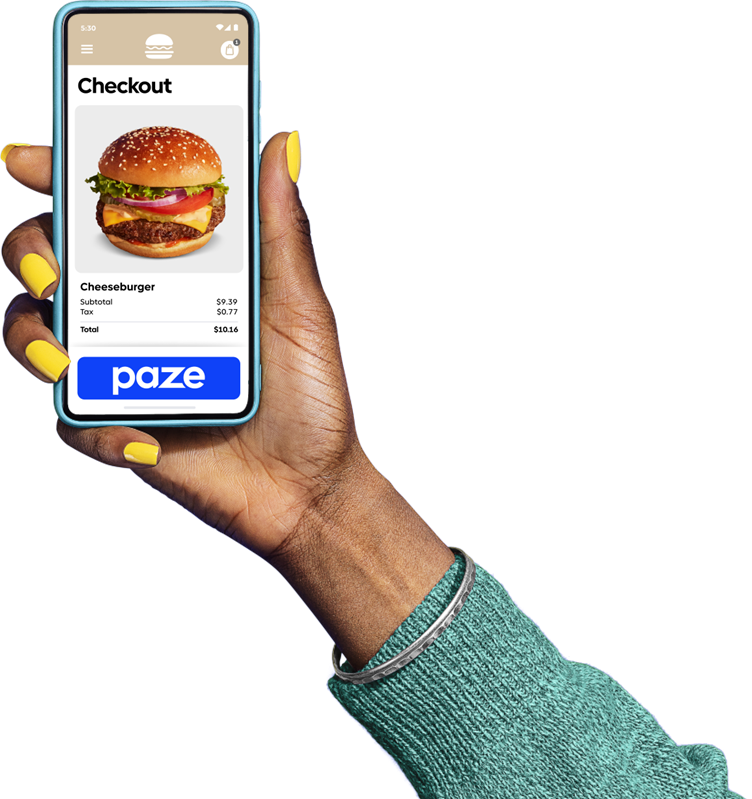
Meet Paze® - an easy way to check out online

Plus, Paze provides extra security because your actual card number is not shared with merchants.

Eligible Citi credit cardholders can shop using Paze. Just choose Paze when checking out at participating merchants, select your Citi card, and confirm — no typing long card numbers or passwords.
Why check out with Paze

Added security

Check out with Paze and keep your card details private. Paze uses encryption, so your full card number is not shared with merchants.

You’ll also continue to benefit from Citi’s 24/7 fraud monitoring and Zero Liability on Unauthorized Charges.

No app. Just ready to use

Once you activate your Paze wallet your eligible Citi credit cards will already be added. No lengthy setup required and no new app.

Easy checkout

No new account creation required with Paze. Just look for the Paze button when you check out online at participating merchants.

How to activate Paze

Image

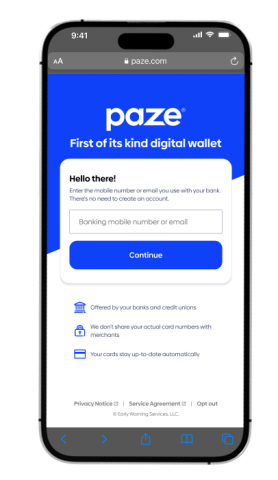
Step One
Go to mywallet.paze.com and enter the email or mobile number associated with your Citi account.

Image

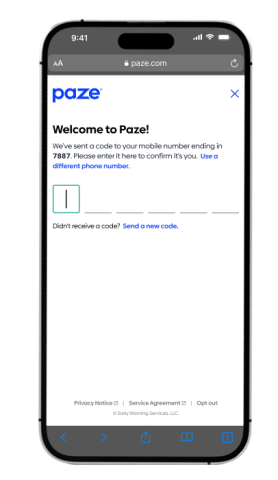
Step Two
Accept the Paze terms of service and verify your identity using a one-time passcode sent to your phone.

Image

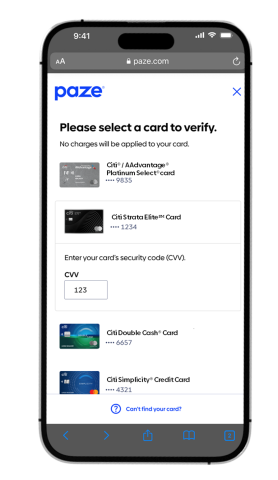
Step Three
Select your eligible Citi card and enter the security code to complete setup.

Image

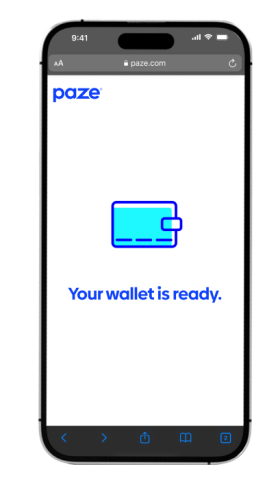
Step Four
You're ready to check out with Paze at participating merchants.

Shop online

Look for Paze when you're ready to check out.
 

Check out with added security

Confirm your purchase with confidence — your actual card number is not shared with the merchant.

Paze and the Paze related marks are wholly owned by Early Warning Services, LLC and are used herein under license.