
Meet Paze®
Checkout offered by banks and credit unions

Why Paze?
Check out with confidence, check out with Paze.
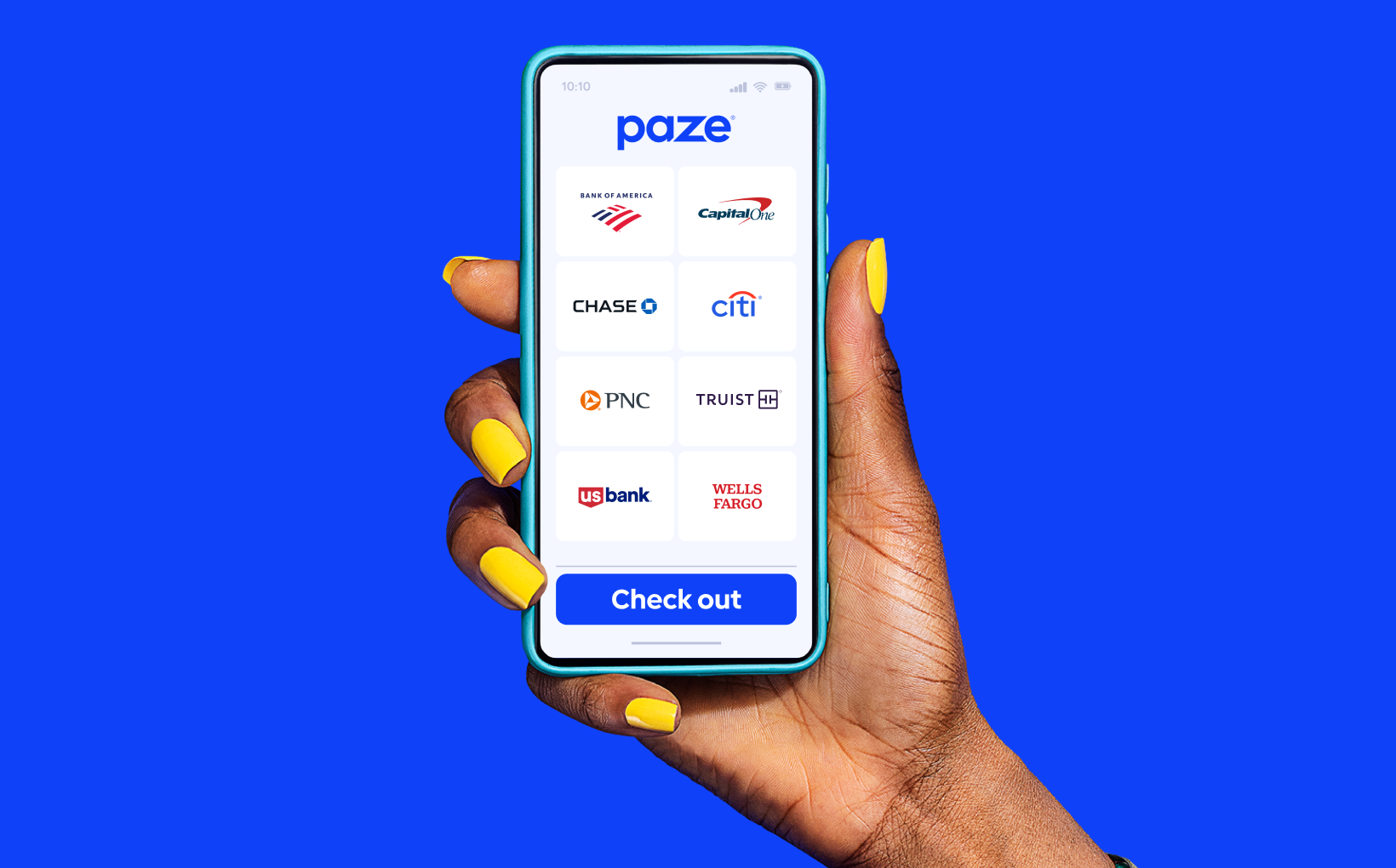
Offered by banks and credit unions
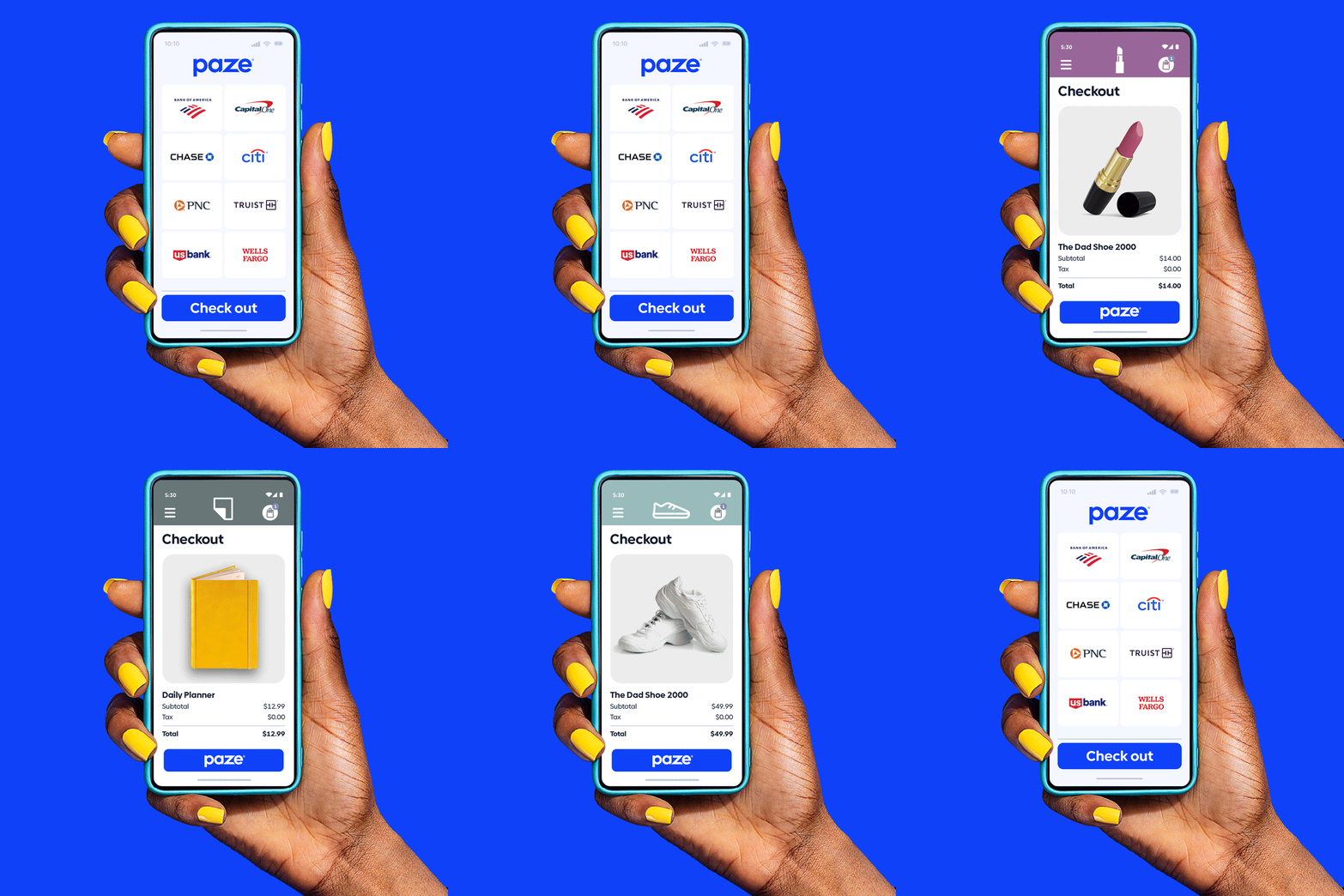
Access Paze from your participating bank's or credit union's mobile apps.
Added security
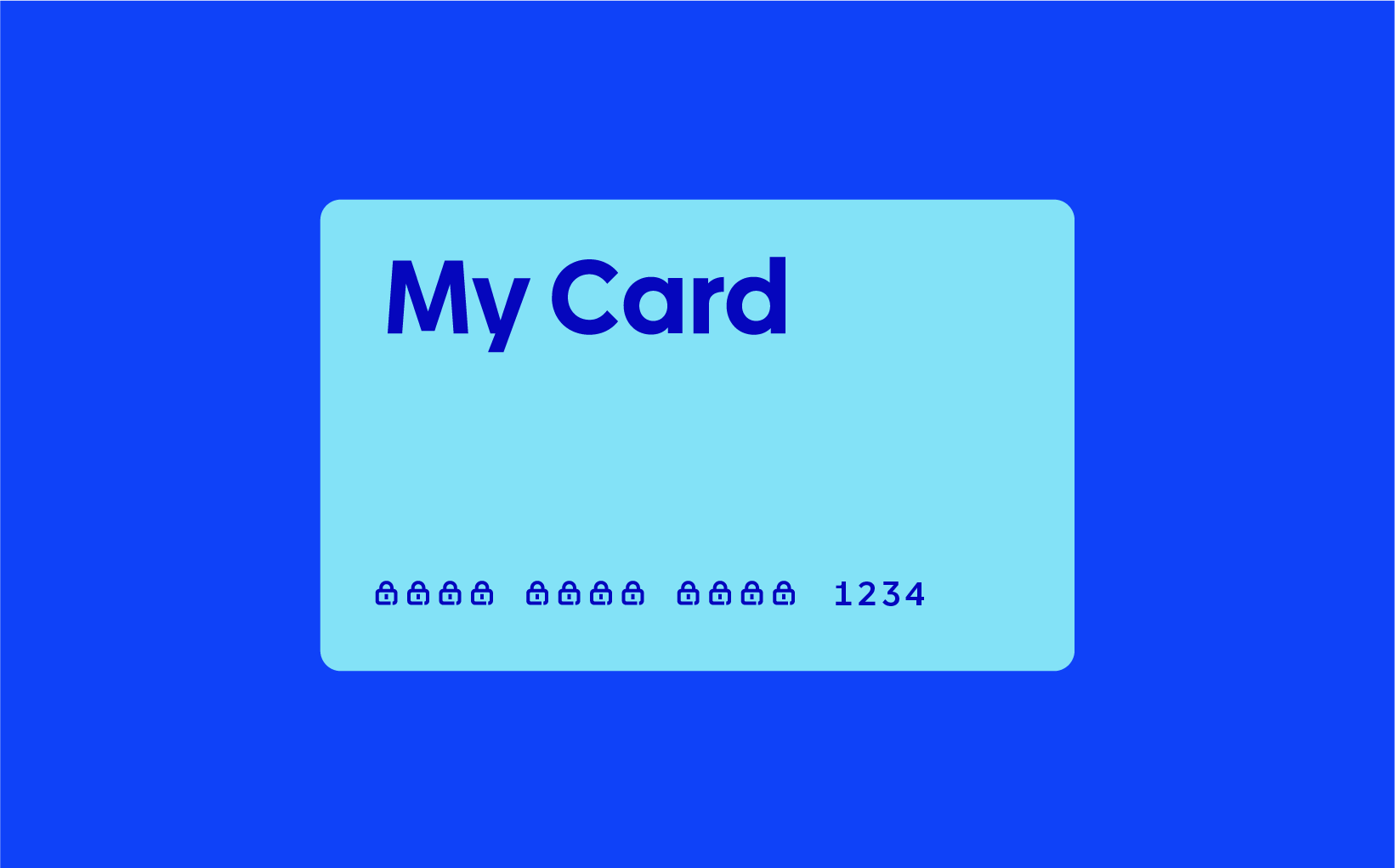
With Paze, your actual card number isn’t shared with online merchants.

Fast and convenient
Skip entering full card details at checkout, eligible cards are already in your Paze wallet*.
*Activation required.
Image
Learn how to use Paze
(in about a minute)
Image

Activating Paze is as easy as 1-2-shop!
2...
Select Paze and complete the activation prompts.
Shop!
Shop participating merchant sites and look for Paze at checkout.
Where it works
Available at select merchants, look for the Paze logo at check out








Get Started
Visit your participating bank or credit union to learn more and start using Paze.








Questions?
We have answers
We have answers
Paze is an online checkout solution offered by banks and credit unions that provides added security because your actual card number is not shared with merchants. Your Paze wallet is pre-loaded with your eligible U.S. credit and debit cards, so you don’t need to type in your full card number at checkout.
Paze, offered by banks and credit unions you already use, provides added security when you check out online because your full card number is not shared with merchants, plus it’s fast and convenient.
- Access Paze through your mobile banking app.
- Your Paze wallet is pre-loaded with your eligible U.S. credit and debit cards.
You don’t need to sign up—just activate Paze from mywallet.paze.com or your bank or credit union’s mobile app or website. Then, look for the Paze logo when you check out at a participating merchant. Or, enter the email address or phone number you use with your bank or credit union when shopping online.
Paze uses the same email address and mobile number associated with your participating bank or credit union account. Be sure to enter this email or phone number if prompted at a participating merchant’s checkout.
If you need to update your email or phone number, you can do this on your bank or credit union's mobile app or website.
Only eligible U.S. credit and debit cards from participating banks and credit unions can be used with Paze. If you do not see one of your cards in your Paze wallet, the card may not be eligible for Paze or may not currently be available through your financial institution.
If you do not see a card that you believe should be eligible for Paze, please contact your bank or credit union directly for specific eligibility card guidelines.
To view your eligible cards, visit mywallet.paze.com or your bank or credit union’s mobile app or website.
If you are checking out at a participating online merchant and you don’t see Paze as a payment option, try the following:
- Sign in to your merchant account. Some merchants may require you to sign in before Paze is displayed as a payment option
- Try a different checkout experience. Paze may be available on a merchant’s website, mobile app, or both, depending on the merchant
- Update the merchant’s mobile app. If checking out through a merchant’s app, updating to the latest version may help ensure Paze is displayed as a payment option
Paze is offered by your participating bank or credit union. For support, please call your bank or credit union directly via the number printed on the back of your card.
FOR BUSINESS
The first-of-its-kind digital wallet offered by banks and credit unions.
Paze checkout is brought to you by the company behind the Zelle® network.
Zelle, the Zelle related marks, and the color purple are registered trademarks or otherwise claimed by Early Warning Services, LLC. Other product and company names mentioned herein are the property of their respective owners.
Have questions? Connect with our sales team or get a demo.
Follow us on social media
Paze®
1 day ago

Shop. Earn. Repeat with Paze checkout at participating merchants. Terms apply.
Shop now: https://lnkd.in/eBjqVKwv

Paze®
1 week ago

Easy checkout? That’s fundamentals.

Paze®
1 week ago

Strong defense at checkout? Paze. It checks out®.
Paze gives you added security—because your actual card numbers stay hidden from merchants. 🏀